iOS App
Instagram and YouTube open inside Nope on iPhone and iPad.

Nope opens Instagram and YouTube on iPhone and iPad, with Reels and Shorts gone. Your friends, messages and videos stay.
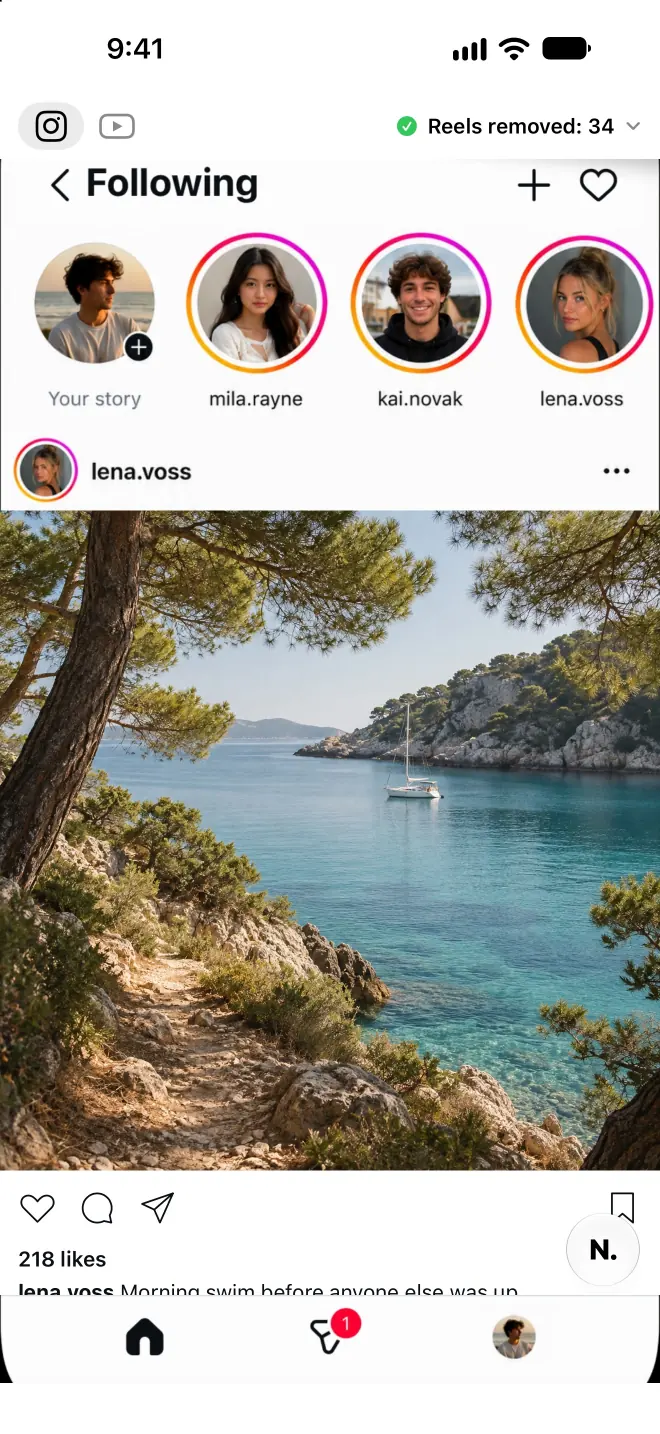
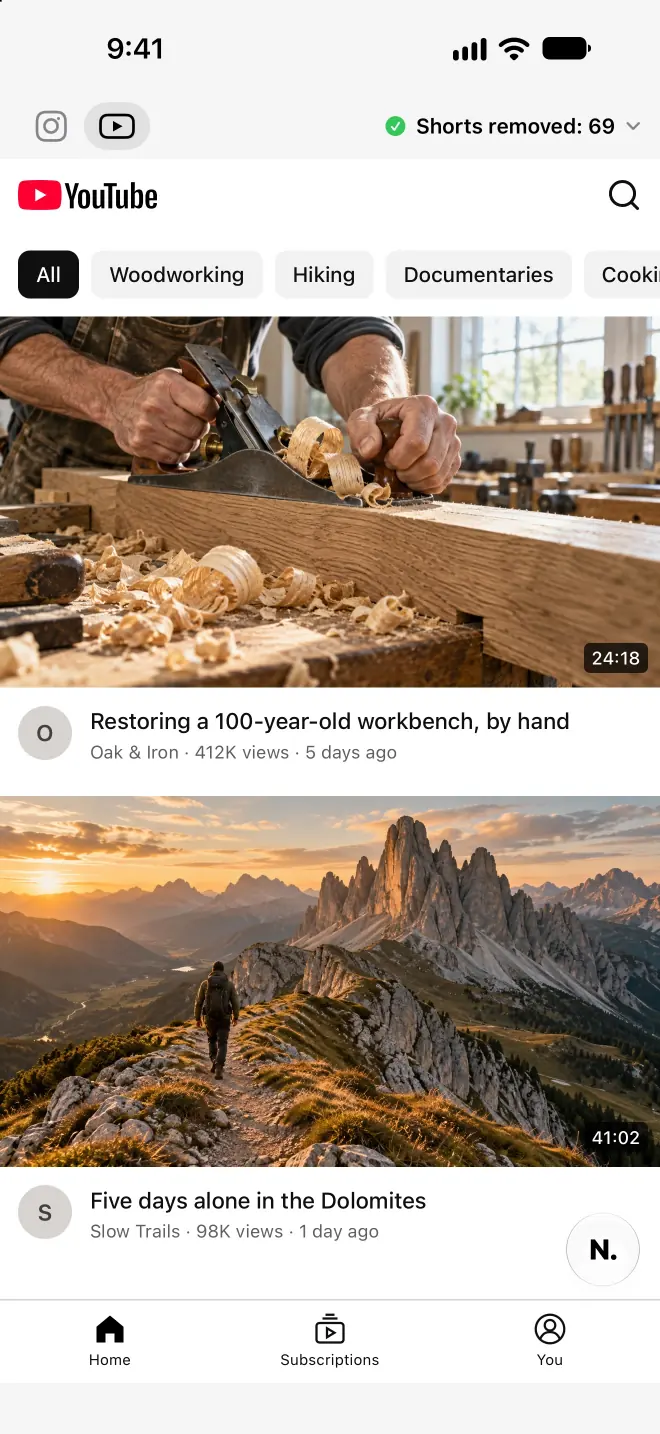

Download the iOS app, open it, and choose Instagram or YouTube. Sign in to the service when needed. No account is required.
Tap the Nope button to open the controls for that site. Choose what to hide, then close the controls to return to the page.
Read a post, find a video or open your messages inside Nope. Check the task you want to keep, and adjust the filters if needed.
Use Instagram and YouTube inside the Nope iOS app. On a computer, use the desktop Chrome extension.
Instagram and YouTube open inside Nope on iPhone and iPad.
For Instagram and YouTube web pages in desktop Chrome.
Add to ChromeOpen Nope, choose Instagram or YouTube, and sign in to the service when needed. Nope opens the web version inside the app and applies your selected filters.
No. Nope filters the web pages you open inside Nope. It does not change either service’s native app. Web features can differ from the native apps.
The iOS app and desktop Chrome extension are free. There is no Nope subscription or in-app purchase.
Nope sends anonymous usage statistics and iOS crash reports. Its analytics provider uses the connection’s IP address to add an approximate location, then discards the address. Browsing URLs, searches, messages and page content are excluded from those reports. Feedback is sent only when you choose to send it. iOS settings stay on the device; Chrome settings may use the browser’s sync.
Instagram and YouTube can change their web layouts, and some features differ from their native apps. Check the tasks you need, adjust the filters, and contact support if something is missing.
Open Nope’s controls, turn the filter off, and return to the site. Some content may need a page reload to reappear. In desktop Chrome, use Nope’s popup.
Read the privacy policy or get help with Nope.

Open Instagram and YouTube in Nope, choose your filters, and keep what you came for. No account required.