

Guide
How to Hide Instagram Reels on iPhone, iPad, and Mac
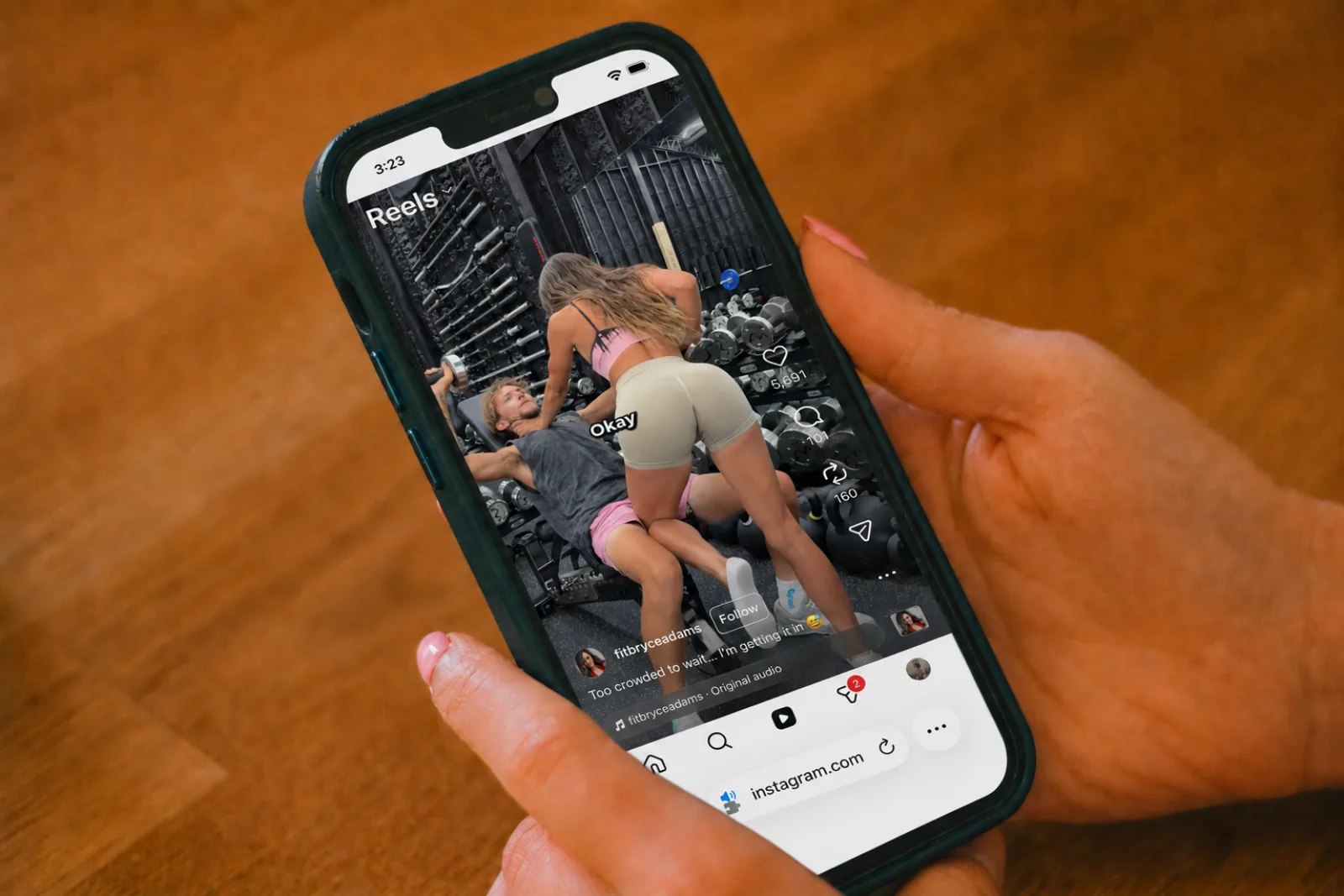
In 2025, Reels accounted for 46% of all time spent in the Instagram app in the US, up from 37% the year before (Sensor Tower via CNBC, January 2026). Meta CEO Mark Zuckerberg told investors on the October 2025 earnings call that Reels had passed a $50 billion annual run rate across Facebook and Instagram. The format that pays for half of Meta's ad machine is the last thing the company will ever let you opt out of — which is exactly why a 2024 peer-reviewed study of undergraduate students linked heavy Reels use to measurably worse sustained attention and lower GPA (Haliti-Sylaj & Sadiku, 2024). Instagram itself ships no built-in setting to turn off Reels, so this guide walks through the two honest paths that actually work: Apple Screen Time, and Nope — a free app on iPhone and iPad and a free Chrome extension on Mac — which handles every Reels surface in one toggle. Pick the one that matches your device.
What “Hiding Reels” Actually Means
Reels shows up in four distinct places across Instagram's interface: a permanent Reels tab in the sidebar (web) and bottom pivot bar (mobile); Reels shelves injected into the home feed between regular posts; the /reels/ watch URL itself, which opens a vertical auto-advancing scroller; and a Reels tab on every profile page, sitting next to Posts and Tagged. Different methods cover different subsets. Knowing which surfaces a method touches is the difference between “quieter” and “actually gone.” The chart below maps it out.
Method 1: Apple Screen Time on iPhone or iPad
What it does in one line: limits the Instagram app to a daily duration, or blocks it outright. It cannot target Reels specifically — iOS has no per-feature controls inside third-party apps, only per-app ones.
How to set an Instagram limit:
- Open Settings → Screen Time.
- Tap App Limits → Add Limit.
- Pick Social (Instagram lives there) or search for it directly, then set a daily duration.
The catch is right there in the design. Screen Time pops a full-screen reminder when you hit the limit and offers a cheerful “Ignore Limit” button one tap away. Even if you respect it, you'll still hit Reels during your allowed minutes — the limit doesn't change the feed, only its duration.
Translation: telling yourself “I'll only Reels-scroll for 45 minutes” can leave you scrolling longer than if you hadn't set a limit at all. Don't bring willpower to a fight with an app whose entire business is overriding it.
Method 2: Hide Reels in Chrome on Mac (or Windows or Linux)
What it does in one line: removes every
Reels surface — sidebar tab, home-feed shelves, profile
Reels tab, and /reels/ URLs — in one
toggle, with no 30-day reset (because there's no platform
toggle to reset). We built Nope for exactly this. It's free, ships zero ads, has no
accounts, and sends nothing off your device.
Three steps:
- Install Nope from the Chrome Web Store. Works in Chrome, Edge, Brave, and Arc.
- Click the puzzle-piece icon next to the address bar and pin Nope so its icon is always visible.
- Open Nope, find the Instagram tab, and confirm “Disable the Reels page” is on (it's on by default). Refresh instagram.com.
That's the whole setup. Reload any Instagram tab and the
Reels sidebar entry, the Reels shelves on the home feed, and
the Reels tab on profile pages all disappear. Direct
/reels/ URLs — the ones that show up in
search results, in DMs, and in shared links from friends
— redirect to the regular home feed instead of opening
the vertical player.
Method 3: Install the Nope App on iPhone and iPad
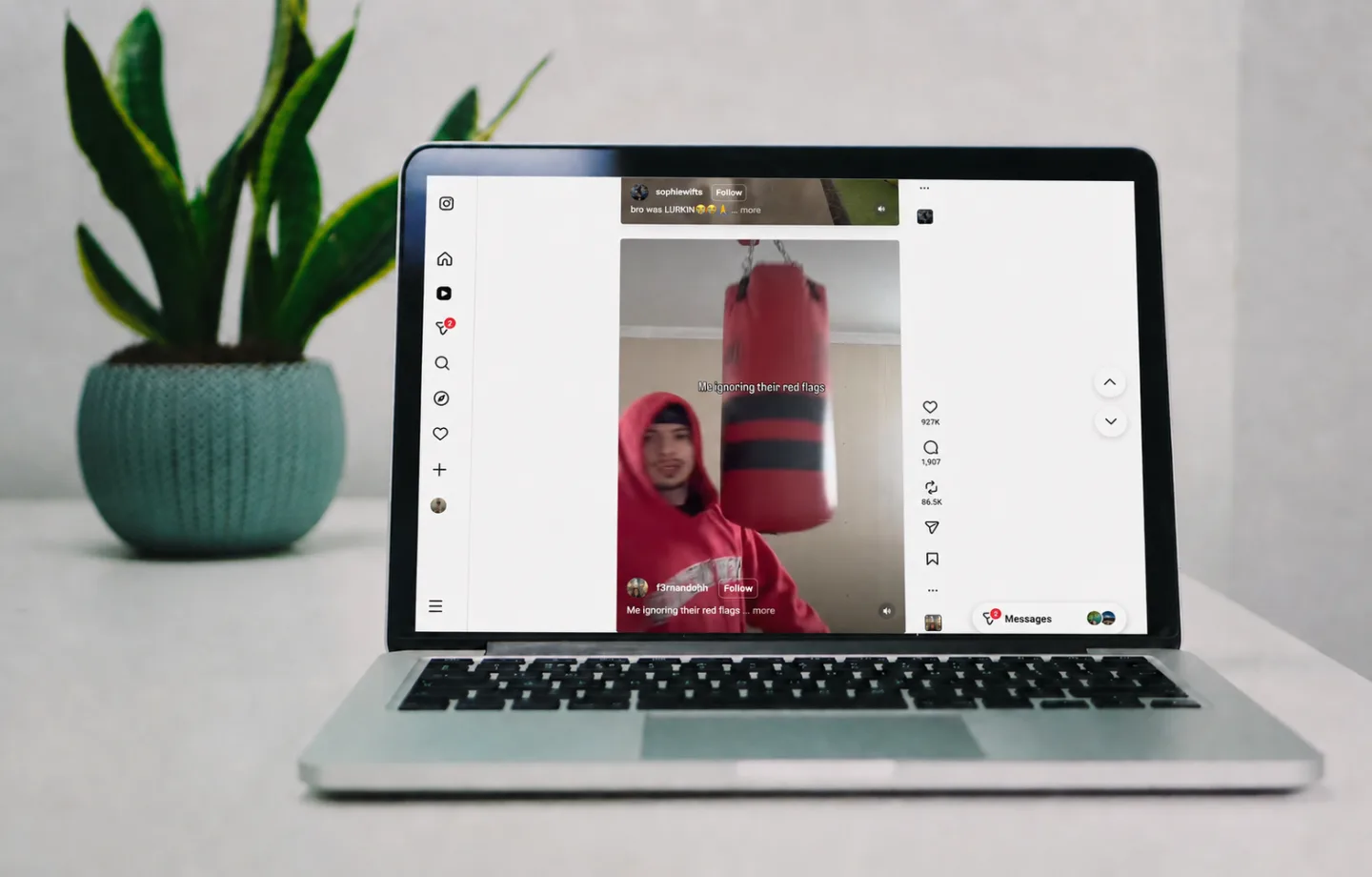
What it does in one line: a free App Store download gives you the same coverage as Method 2 on your phone. About 98% of Instagram access happens on mobile (Affmaven Instagram statistics, 2025), so this is the surface that matters most — and the one Apple Screen Time can't actually fix.
Three steps (one-time setup, then it just works):
- Download Nope from the App Store. It's 100% free. Open the app once and walk through its built-in setup, which lays out every Instagram toggle and explains exactly what each one hides.
- Tap the app's “Open Settings” button to give it permission to act on Instagram. Apple requires this one-time step for any app that affects what another website looks like, so iOS sends you to Settings → Apps → Safari → Extensions → Nope. Turn it on, then tap All Websites → Allow (or just allow instagram.com if you prefer to scope it tighter).
- Open instagram.com in Safari on your iPhone or iPad. The Reels tab in the bottom pivot bar, the Reels shelves between feed posts, and the Reels tab on every profile are gone. Future toggle changes from inside the Nope app apply within about 1.5 seconds — no reload required.
Heads up: the Instagram iOS app itself is a closed box. Apple does not allow any third-party app, including Nope, to reach inside another app on iOS. The cleanest fix is to drop the Instagram icon from your home screen and add instagram.com as a home-screen bookmark from Safari (Share → Add to Home Screen). The result looks and feels like an Instagram app, just without the Reels — and DMs still open, profiles still load, Stories still play.
Common Mistakes to Avoid
- 1. Counting on Screen Time to save you. The “Ignore Limit” button is one tap, and the Silverman et al. work above shows time-based caps can backfire entirely.
- 2. Installing a desktop-only blocker. 98% of Instagram traffic is mobile. A Chrome-only fix covers the 2%.
- 3. Treating “hidden” as “unreachable.”
Hiding the Reels tab still leaves Reels links clickable
inside DMs, search results, and friend profiles. The
piece that makes the fix stick is the
/reels/URL redirect — check that your chosen extension does it.
What Success Looks Like
After the right method is in place, your Instagram should pass a 4-point check:
- No Reels tab in the sidebar (web) or bottom pivot bar (mobile).
- No Reels shelves between posts on the home feed.
- No Reels tab on profile pages (only Posts and Tagged).
-
Tapping a
/reels/link — from a friend's DM, search, or anywhere else — sends you to the home feed instead of the vertical auto-scroller.
If any one of those still triggers Reels, the method you picked is incomplete. The combination that covers all four, on every device most people actually use, is Method 2 on the desktop and Method 3 on the phone — both free, both one toggle.
Frequently Asked Questions
Does hiding Instagram Reels also hide the rest of Instagram?
No. Hiding Reels removes only the Reels tab, the Reels
shelves injected into the home feed, the Reels tab on
profile pages, and the /reels/ URL itself. The
home feed, Stories, DMs, search, profiles, and individual
posts keep working exactly as before.
Will it work inside the Instagram iOS app, or only Safari?
Safari only. Apple does not let any third-party app reach inside another app on iOS or iPadOS. To get a Reels-free experience on iPhone or iPad, install the Nope app from the App Store and open Instagram through Safari at instagram.com. Bookmark the page to your home screen (Share → Add to Home Screen) if you want it to feel like an app.
Does Nope collect my Instagram browsing data?
Nope does not. There are no accounts, no telemetry, and no analytics. The extension only reads the Instagram DOM to hide the elements you toggled. The same is true of the iPhone and iPad app, where settings live in a local on-device container that never leaves your phone — read the privacy policy for the full breakdown.
Why not just uninstall Instagram?
Most people don't want to lose DMs, Stories from friends, the people they follow, and the events they care about. They want to lose the bottomless vertical scroll. Hiding Reels keeps the parts you came for and removes the part designed to hold you longer than you planned. If uninstalling worked for you, you'd already have done it.
Reclaim the Feed
The point of all this isn't “less Instagram.” It's getting the Instagram you signed up for — the people you follow, the messages they send, the moments they share — without the slot machine bolted on the side. Method 2 plus Method 3 covers iPhone, iPad, Mac, and any Chromium browser, all at zero dollars. Install Nope on your devices and the next time you open Instagram, the Reels tab simply won't be there.
Sources
- CNBC, “Most of Instagram's ads ran on Reels in 2025, data shows” (citing Sensor Tower and Meta earnings), January 2026, retrieved 2026-05-09. cnbc.com
- Haliti-Sylaj & Sadiku, “Impact of Short Reels on Attention Span and Academic Performance of Undergraduate Students,” Eurasian Journal of Applied Linguistics, 10(3), 60–68, 2024, retrieved 2026-05-09. files.eric.ed.gov
- Silverman, Srna & Etkin, “Time Limits as Reference Points: When Setting a Time Limit Increases Time Spent Online,” SSRN Working Paper, 2023, retrieved 2026-05-09. papers.ssrn.com
- Affmaven, “Instagram Statistics 2025: Latest User & Growth Data,” 2025, retrieved 2026-05-09. affmaven.com
- Digital Music News, “The Rise of Reels — Meta Says Reels Time is 50% of Instagram” (Meta Q1 report), April 2024, retrieved 2026-05-09. digitalmusicnews.com